

Appearance
Search (⌘K)
Search finds projects, records and people across your workspace and jumps to any screen from one box.
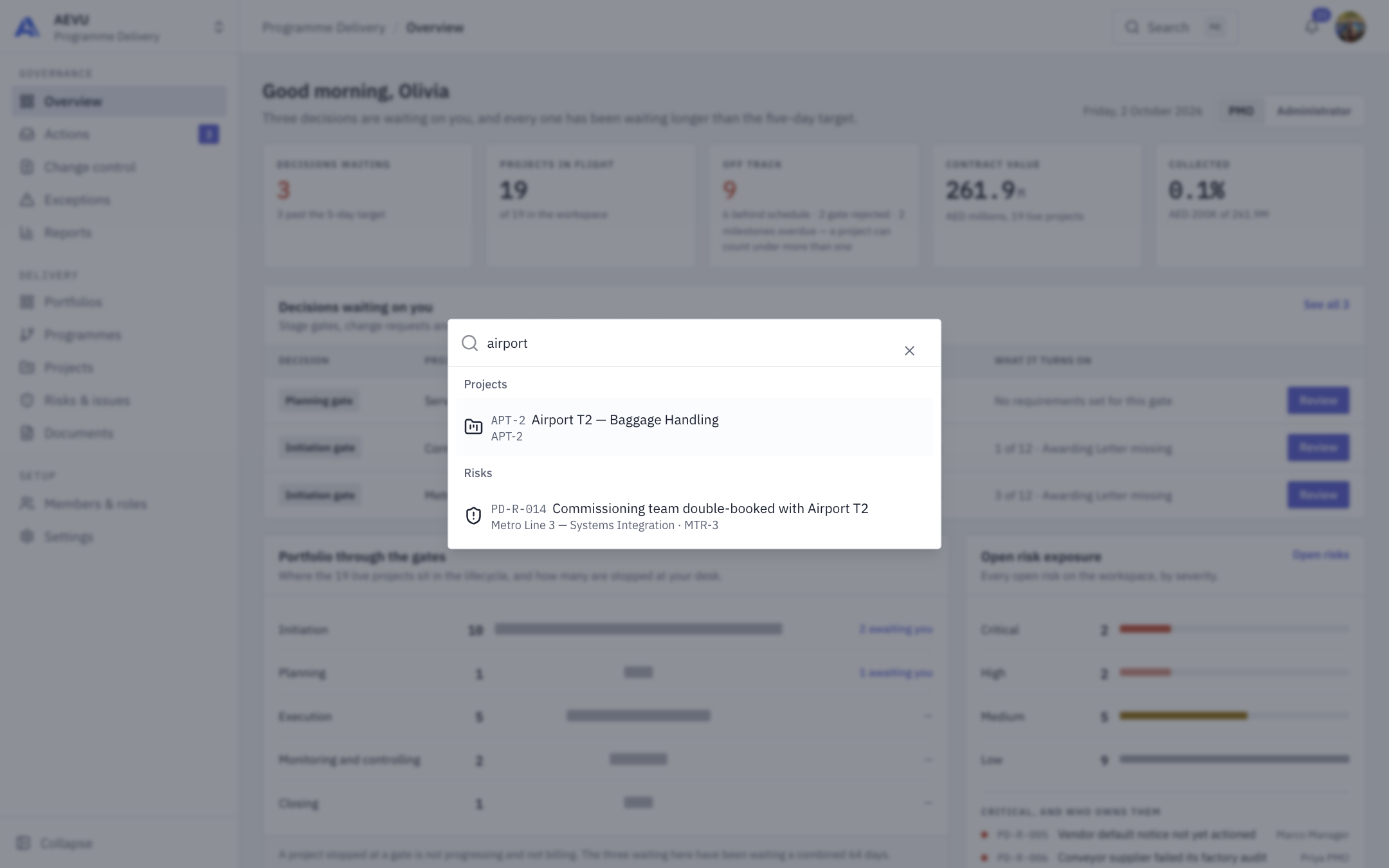
Searching "airport" returns a project and a risk, grouped:
Open it
Click Search in the top bar, or press ⌘K (Mac) or Ctrl+K. Press it again, or Esc, to close.
What it searches
Type at least 2 characters (up to 100). Results come grouped, best match first, with a few per group and a note "Showing the best matches — type more to narrow them." when there are more:
| Group | Matches on |
|---|---|
| Projects | name, code |
| Milestones | title |
| Tasks | title (needs task.view) |
| Risks | title, or a code such as R-004 (needs risk.view) |
| Issues | title, or a code such as I-3 (needs issue.view) |
| Documents | title, file name (needs document.view) |
| Change requests | title, or a code such as CR-12 (needs changerequest.view) |
| People | name, email (needs member.manage) |
Selecting a result opens it: a project, the right tab, or the record's drawer.
TIP
Search only shows what you can already see. If a project you are not on is missing, that is because you cannot see it. With a workspace selected it searches that workspace.
Go-to shortcuts and recents
- Typing also filters the app's pages (shown as "Go to"), limited to ones your role can open.
- With the box empty, Recent lists the last records you opened from search. They are kept in your browser only.
- Use the arrow keys and Enter to pick.