

Appearance
Document lists
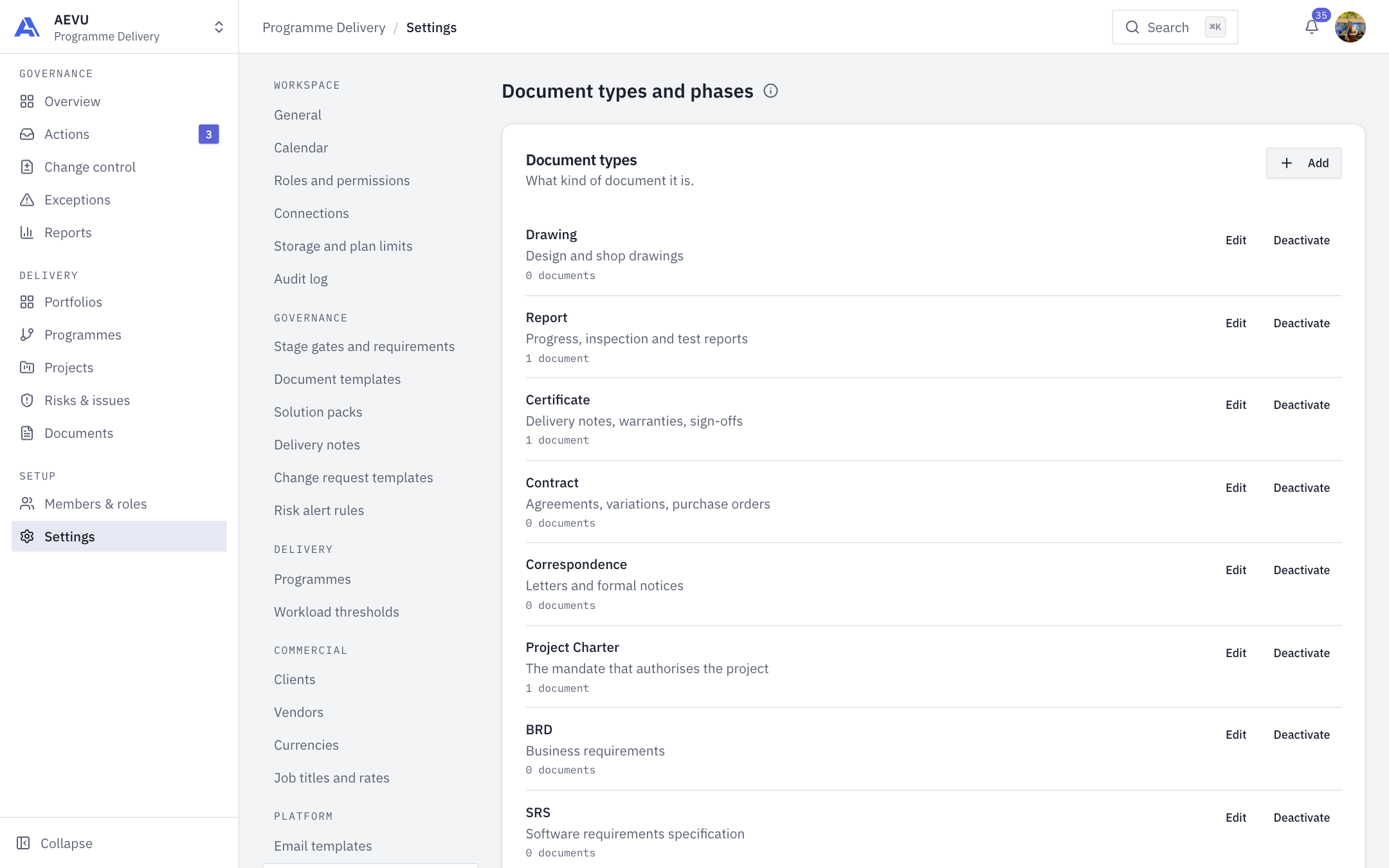
Document types and phases are two short lists that classify every document in the workspace. They fill the pickers when someone uploads a document and drive the document columns on reports.
Who can open and edit it: reference.manage (Owner and Admin by default). All members can read the lists through the pickers.
- Document types say what kind of document it is.
- Document phases say when in the project's life it belongs. New workspaces get five phases aligned with the project stages and fifteen types.
Add or edit an entry
- Open Settings → Platform → Document types and phases.
- Select Add on the card you want, or Edit on a row.
- Fill in the dialog and save.
| Field | Rules |
|---|---|
| Name | Required, 2 to 128 characters, no markup or hidden characters |
| Description | Optional, up to 512 characters |
Each row shows how many documents use it. Names must be unique within a list.
Deactivate and restore
Nothing is deleted. Deactivate takes an entry off the upload picker and shows an Inactive badge. Documents already classified keep resolving, so old registers still read as filed. Restore puts it back.
TIP
If two people edit the same entry, the second save is refused. Reload to see the latest.