

Appearance
Roles at a glance
Each person has a role per workspace, and the role decides what they see and can do.
The five built-in roles
| Role | Who it is for | Typically can |
|---|---|---|
| Owner | Whoever owns the organisation's relationship with AEVU. Cannot be removed and their permissions cannot be edited. | Everything, including approving gates and archiving the workspace. |
| Admin | Runs the workspace. | Manage members, connections, reference data, templates and settings; see every project. Not approve stage gates. |
| PMO | Decides gates and approves change. The role the product is built around. | Approve or reject stage gates, accept documents, approve changes, see every project and programmes. |
| Manager | Runs the projects they are assigned to. | Create and edit projects, milestones, registers; submit stages; raise changes; record payments. Sees only projects they are on. |
| Finance | Records and tracks client and vendor payments. | Record payments, see programmes and every project's documents list; read-only on most delivery data. |
Workspaces can also have custom roles, which start as a copy of a built-in role. See Roles & permissions and the full Permission keys.
WARNING
Approving a stage gate belongs to the Owner and PMO only, deliberately: an administrator manages the workspace but does not decide whether a project may proceed.
What each role sees
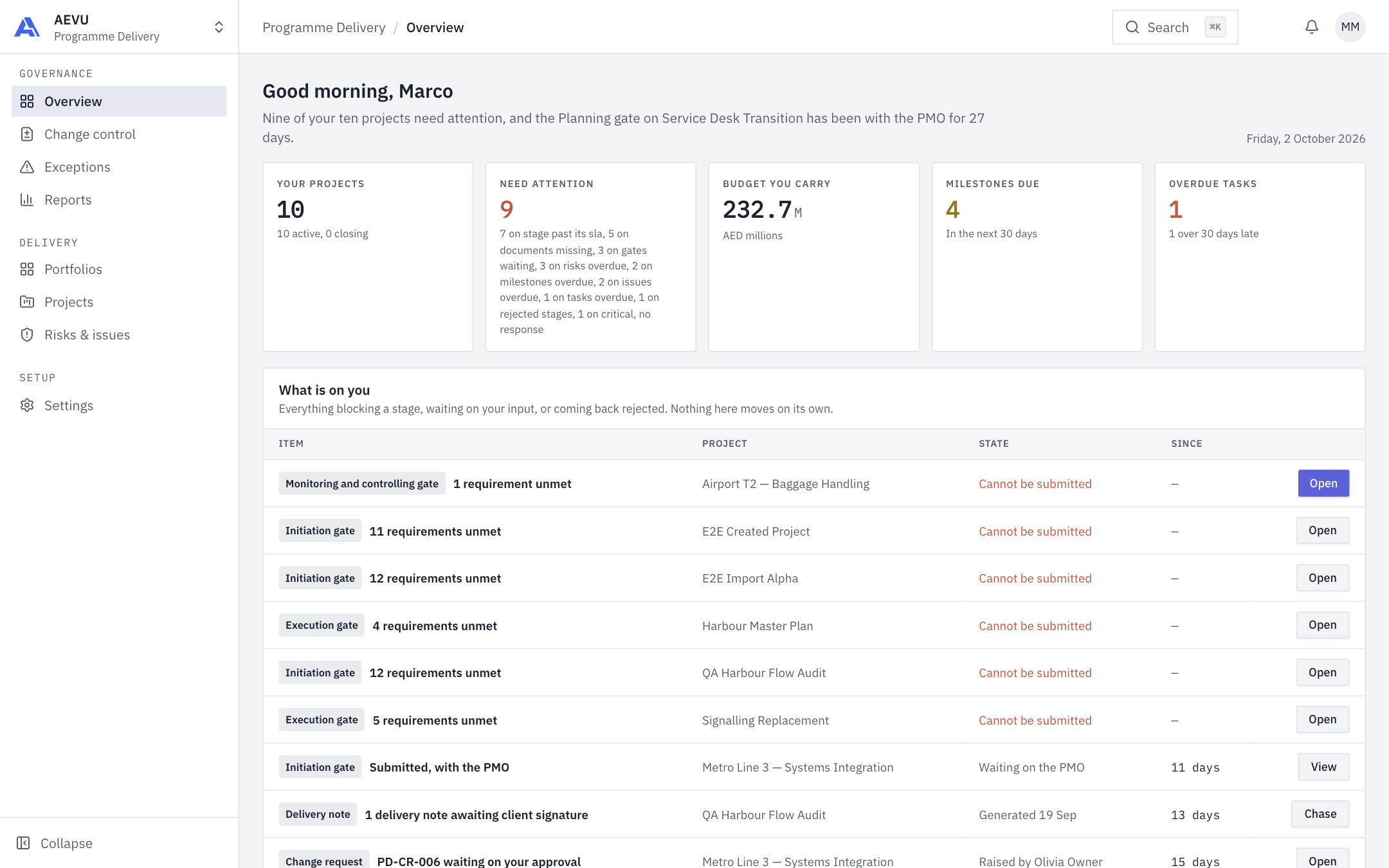
Your Overview adapts to your role. A project manager's shows the projects they carry, what needs attention and "What is on you".
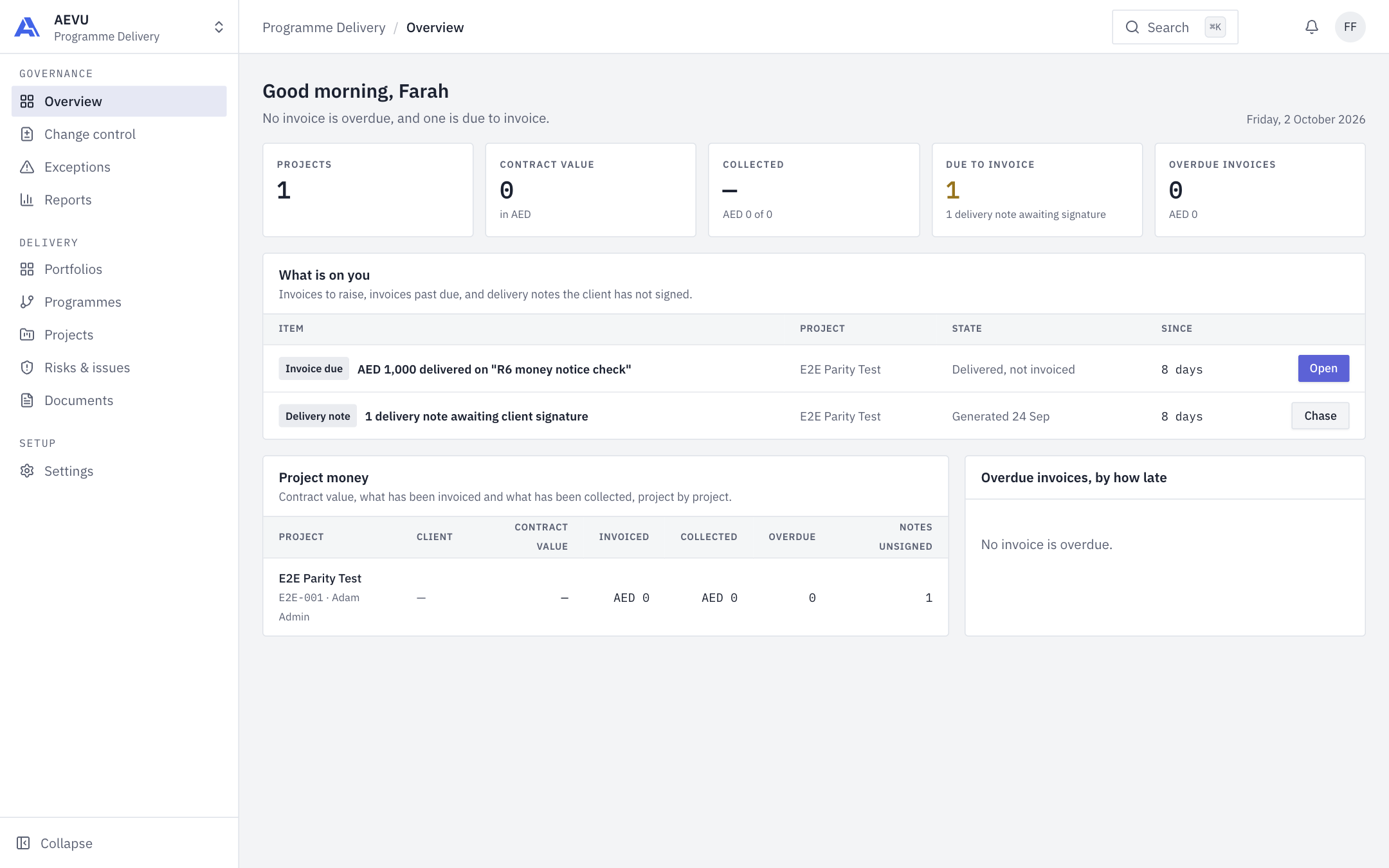
A finance user's shows contract value, collected and overdue invoices, and delivery notes awaiting signature.
Seeing projects
Owner, Admin and PMO can see every project in the workspace. Everyone else sees projects they are on (as manager, sponsor or creator, or on the delivery or finance team). Reports only count projects you can see.
Changing a role
Administrators change roles on Members & roles. Only an Owner can grant Admin or Owner; an Admin can hand out Manager, PMO, Finance and custom roles. Nobody can change their own role.