

Appearance
Sign in and password recovery
Sign in with your work email and password, or continue with Microsoft or Google when the platform offers it and your organisation allows it.
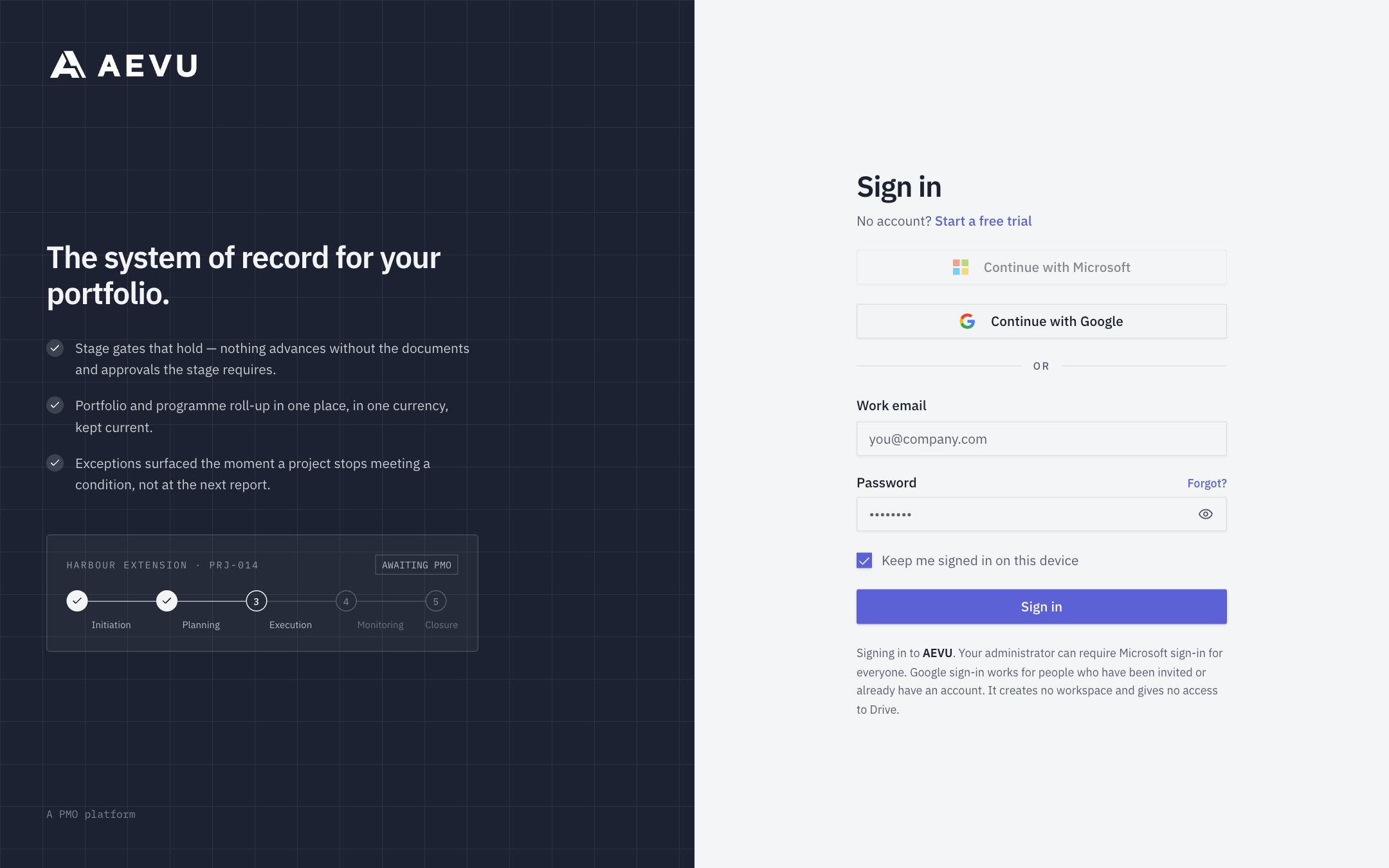
Sign in with a password
- Enter your Work email and Password.
- Tick Keep me signed in on this device if this is your own device. Left unticked, your session lasts only for that browser tab.
- Click Sign in.
If you belong to more than one workspace you are taken to the workspace picker; otherwise straight into the app. See Workspaces.
Sign in with Microsoft or Google
When offered, Continue with Microsoft and Continue with Google are available without typing an email. Sign in to your existing AEVU account first and link the provider from Profile. Platform sign-in opens only that linked identity; it creates no account or workspace and requests no access to files. For an invitation, accept it and set up your account before linking the provider. Microsoft accepts work or school accounts.
If your company uses its own Microsoft Entra connection, type your work email first so its domain selects your company's directory. Its administrator may enable account provisioning. See Microsoft Entra ID. If no provider button appears, use your password. A Microsoft account reported as unlinked must be linked from Profile before platform sign-in can work.
Forgot your password?
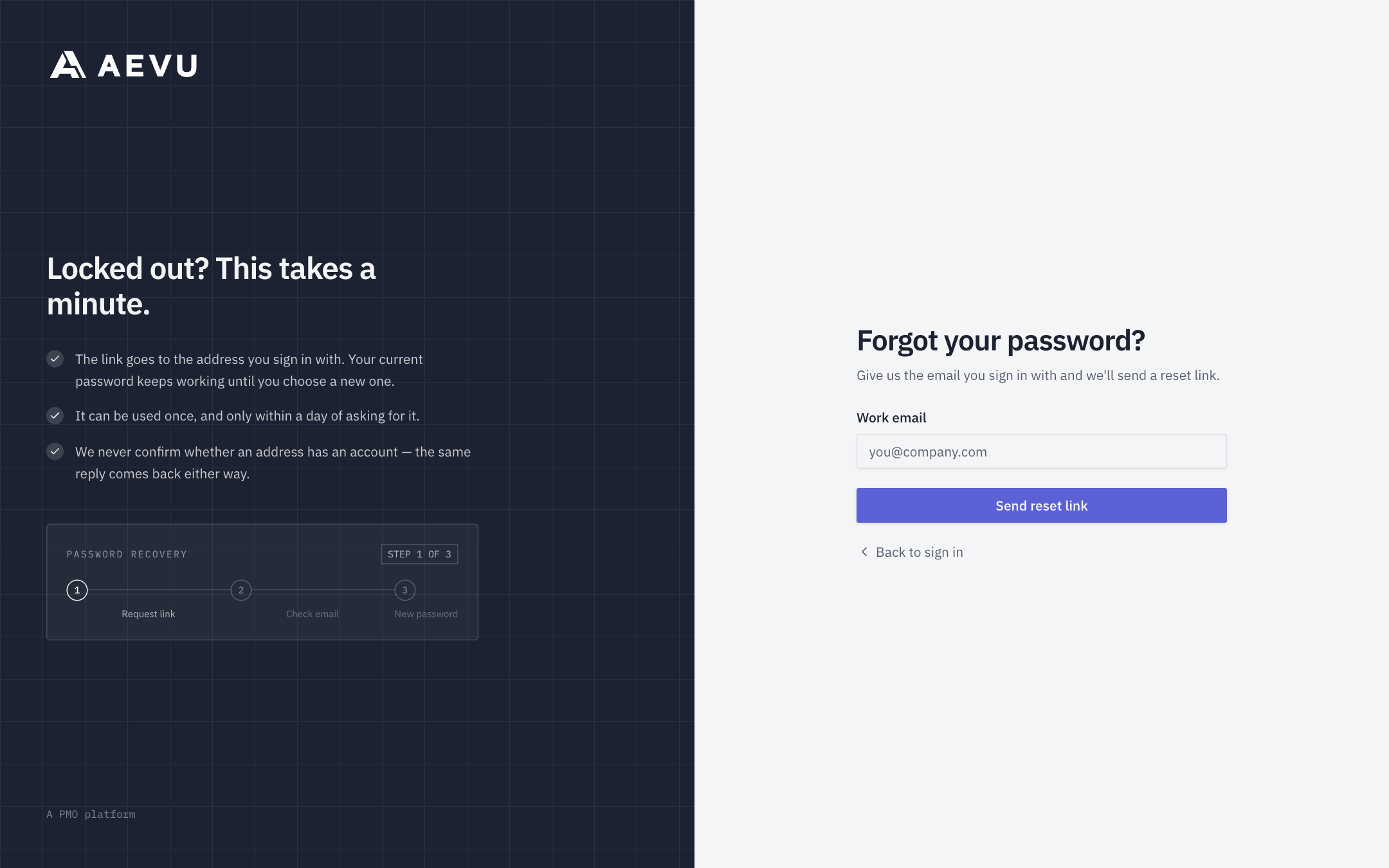
- On the sign-in page click Forgot?.
- Enter your email and click Send reset link.
- Open the email, follow the link and enter a New password (at least 12 characters), then Save new password.
- Sign in with the new password.
If a reset link is no longer valid, use Request a new link.
TIP
A reset (or a password change in your profile) signs you out of every other session — that is intended.
Account lockout
Five wrong passwords in a row lock the account for 15 minutes; you will see "Your account is temporarily locked. Try again later." The count is shared across sign-in and the change-password form. A successful password reset clears the lock. Waiting it out also works.
Session expired
"Your session expired. Please sign in again." simply means you need to sign in again; nothing is lost.
Deactivated accounts
An administrator can deactivate an account; that person cannot sign in anywhere until it is reactivated. Some members are created as No sign-in resources — they appear in plans and bookings but never sign in. See Members.