

Appearance
Microsoft 365: SharePoint and OneDrive links
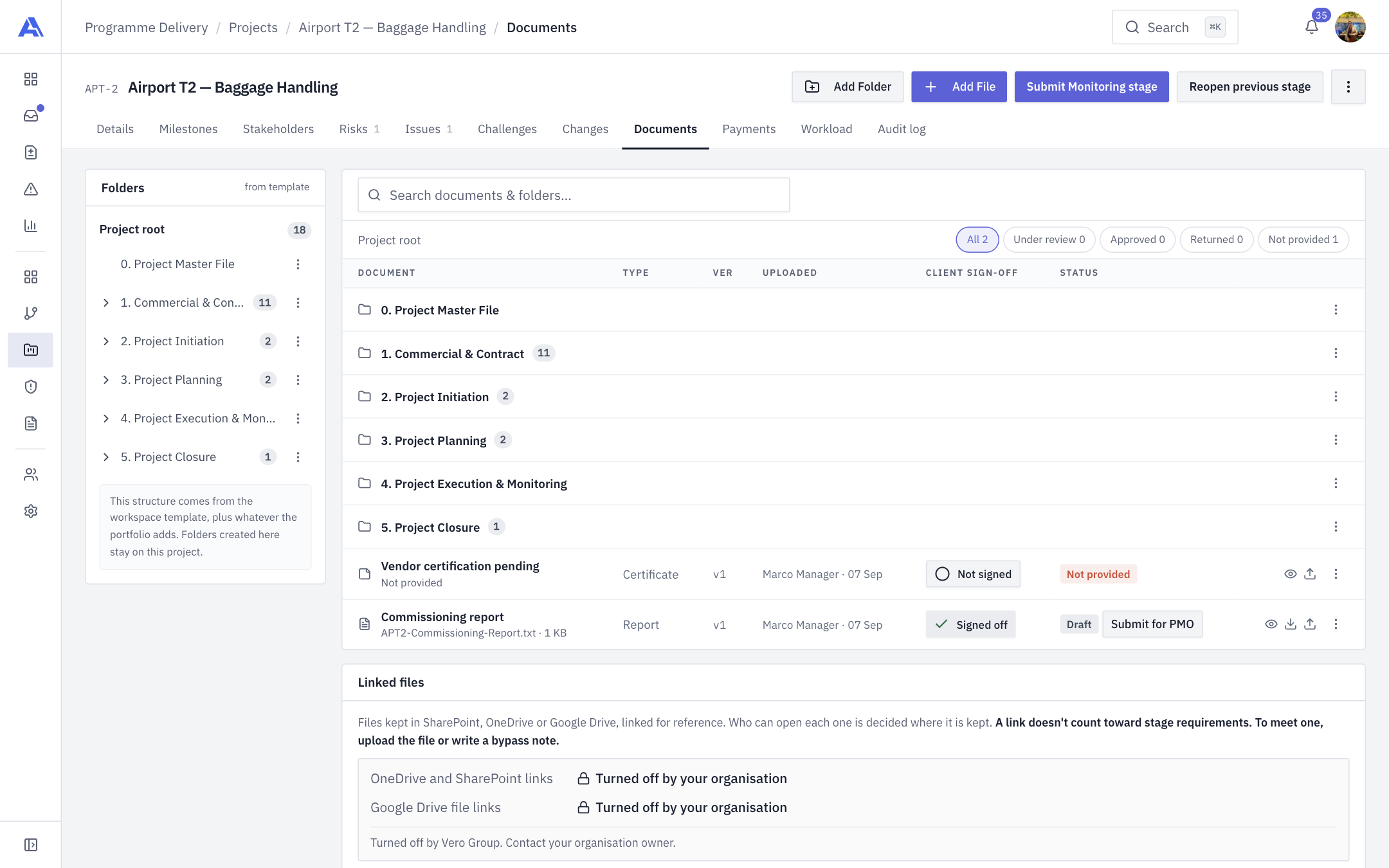
People can attach a link to a file kept in SharePoint or OneDrive on a project's Documents. AEVU stores the title and address only.
No file access
AEVU does not call Microsoft Graph, never opens the file, and never knows who can open it. A link is "access not checked". A link never counts as evidence for a required document or stage gate.
Who does what
| Step | Who |
|---|---|
| Allow OneDrive and SharePoint links | Organisation Owner/Admin (Organization → Integrations), then the workspace switch |
| Add or remove a link | A person with the externalfile.link and document.upload permissions on the project |
No app registration or secret is needed.
Turn it on
- Organisation Owner or Admin: Organization → Integrations → Microsoft 365, switch on OneDrive and SharePoint links, and tick the workspaces. Your plan must include Microsoft (Team and above), and the platform operator must offer the capability: OneDrive and SharePoint links are not on by default (
Platform:AvailableCapabilities). - Workspace admin: check Settings → Connections → Integrations for this workspace.
Add a link
- Open the project, then Documents.
- Choose Add external link, stay on the Paste a link tab, paste the address, give it a title (optional) and choose Add link.
- AEVU checks the address from the text alone and shows what will be stored.
Accepted addresses are https, on the default port, free of spaces, backslashes and embedded passwords, and on an allowed host: *.sharepoint.com (subdomains only), onedrive.live.com, 1drv.ms. Tracking parameters are removed; sharing tokens are kept so the link still opens. A project holds at most 500 links.
Remove a link
Remove deletes only the link, never the file. Removal works even while the provider is switched off.
Common messages
| Problem | Meaning |
|---|---|
| Unsupported host | The address is not on the allow-list. A deployment using a sovereign-cloud SharePoint domain needs the operator to set ExternalLinks:MicrosoftHosts |
| Not https / credentials | The address must be https and contain no username or password |
| Provider not allowed | The capability is off at some layer; the message names which |
When the capability is switched off, existing links stay listed but their titles and addresses are hidden.