

Appearance
Challenges
The Challenges tab is a separate register for the obstacles a project meets. It has the same fields as issues but is kept apart on purpose.
Who can do what
| Action | Permission | Default roles |
|---|---|---|
| View | challenge.view | Everyone |
| Log a challenge | challenge.create | Owner, Admin, PMO, Manager |
| Edit | challenge.edit | Owner, Admin, PMO, Manager |
| Delete | challenge.delete | Owner, Admin only |
The screen
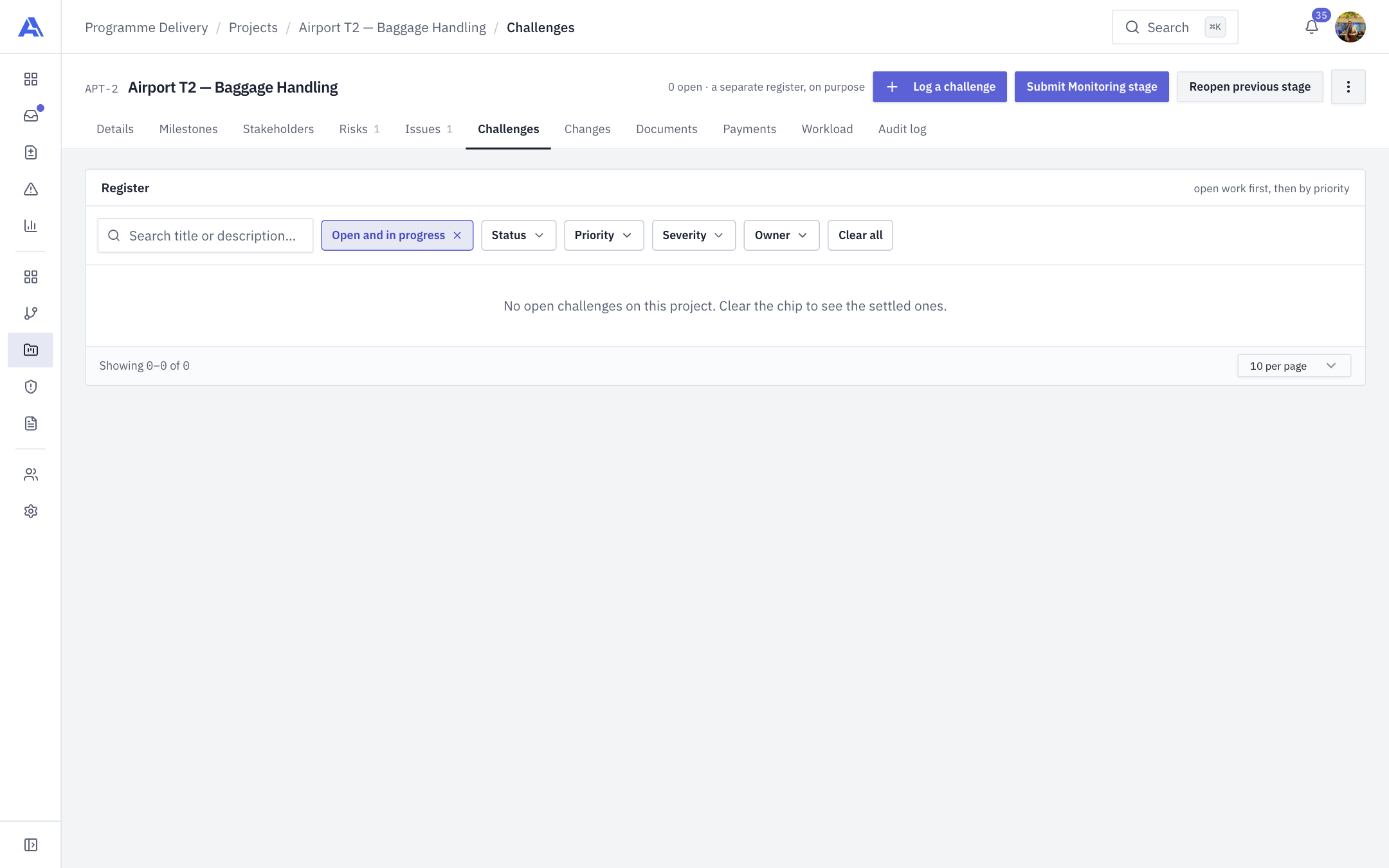
The header reads "N open · a separate register, on purpose". The Register lists challenges ten at a time, open work first, then priority, then number. It opens on Open and in progress. Filters: search (title or description), the Open and in progress chip (remove it to see settled ones), Status, Priority, Severity, Owner, and Clear all. Columns: Ref, Challenge, Status, Priority, Severity, Owner, Identified, Due.
Challenges are numbered C-001, C-002… per workspace, and numbers are never reused.
Log a challenge
- Click Log a challenge.
- Fill in the drawer, then click Log challenge.
| Field | Notes |
|---|---|
| Title | Required. Start typing to copy a challenge from another project in the workspace. Only the title, description, priority, severity and mitigation are copied, never status, owner or dates. |
| Description | Optional. |
| Status | Open (default), In progress, Resolved, Closed. |
| Owner | Optional. |
| Priority | Low, Medium (default), High, Critical. |
| Severity | Minor (default), Major, Critical, Blocker. |
| Identified date, Due date | Optional. |
| Mitigation / action plan | "What is being done about it?" |
Click a row to open the same drawer for reading and editing (Save Changes). You see only the controls you are allowed to use. Delete asks for confirmation and the audit log keeps the record.
Common mistakes
- Putting a challenge in Issues, or the reverse. The two registers are independent and neither feeds the other.
- Expecting a Manager to delete. Only Owner and Admin can.