

Appearance
Risk alert rules
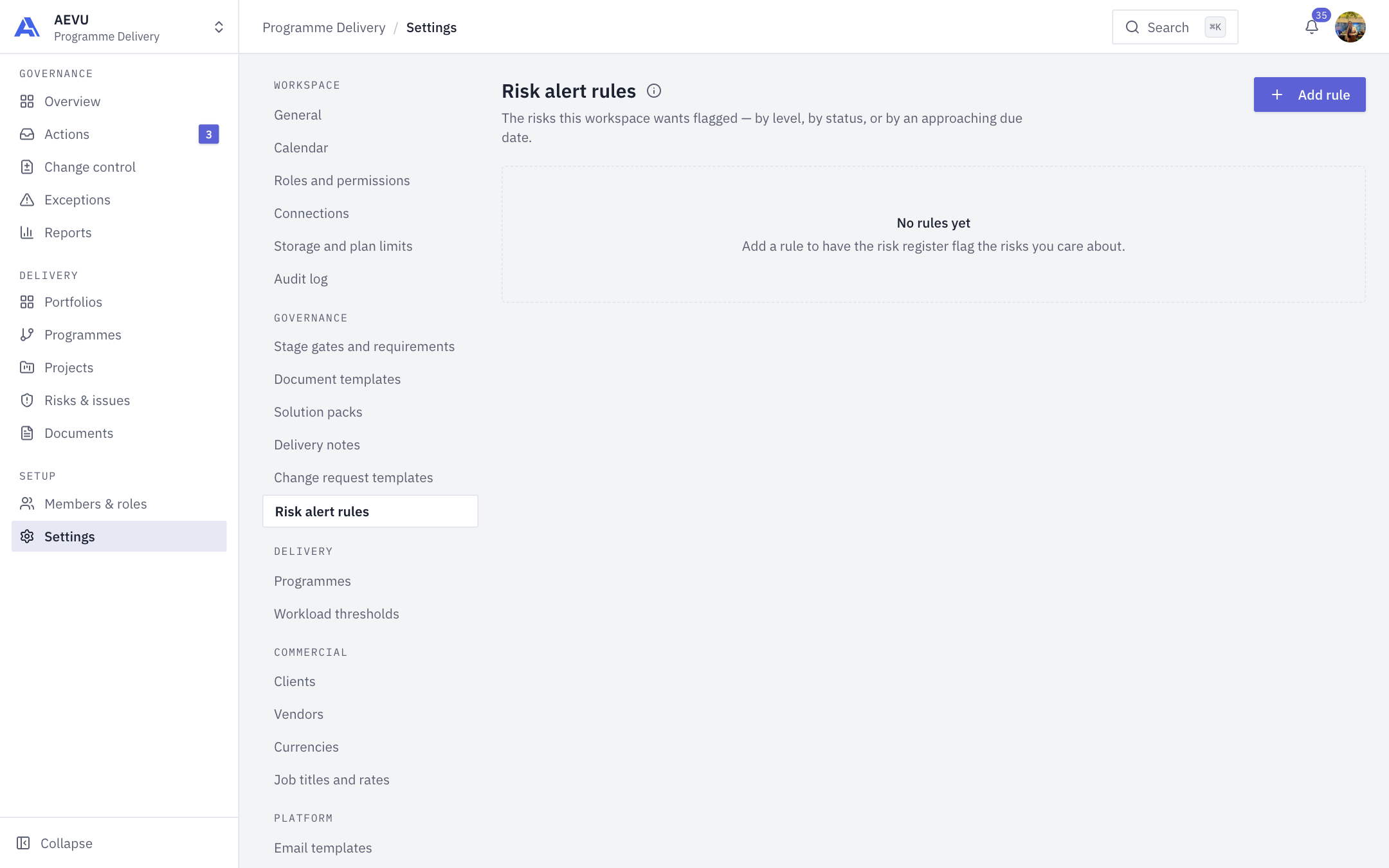
Risk alert rules flag the risks your workspace cares about, by level, by status, or by an approaching due date. A match raises an alert in the Needs attention panel of the workspace risk register (on Risks & issues).
Who can open and manage it: risk.alert_rules.manage (Owner, Admin and PMO by default). Seeing an alert needs permission to view the risk register. Acknowledging one needs permission to log and update risks.
Rule types
| Type | Fires when | Condition |
|---|---|---|
| Threshold | A risk's level reaches a minimum | Minimum risk level 1 to 25, optionally limited to categories (Technical, Financial, Resource, Schedule, Quality, External, Legal, Security). Empty means any category. Settled risks (Mitigated, Closed) are skipped |
| Status | A risk moves into a chosen status | One or more of Identified, Analyzing, Planning, Monitoring, Mitigated, Closed, Escalated |
| Time | An open risk's due date is coming up | Days before due, 1 to 365. Due today matches, overdue does not |
Threshold and status rules are checked when a risk is saved. Time rules are worked out whenever the panel is read.
Add a rule
- Open Settings → Governance → Risk alert rules and select Add rule.
- Enter a Name (required, up to 200 characters) and optional Description (up to 1000).
- Choose the Type and its condition.
- Choose a Severity: Low, Medium, High, Critical, or Use the risk's own priority.
- Select Add rule.
Manage rules
The list can be searched and filtered by status, type and severity. Per row:
- Edit changes the rule.
- Deactivate stops new alerts. Alerts already raised stay until acknowledged. Activate turns it back on.
- Delete removes it permanently from the list. Alerts it already raised stay, still under its name.
WARNING
A workspace can have at most 50 active rules.
INFO
Critical stored alerts (threshold and status) may also post to configured Teams or Google Chat channels. See Teams & Google Chat. The application does not send email for these alerts. If two people edit the same rule at once, the last save wins.