

Appearance
What is AEVU?
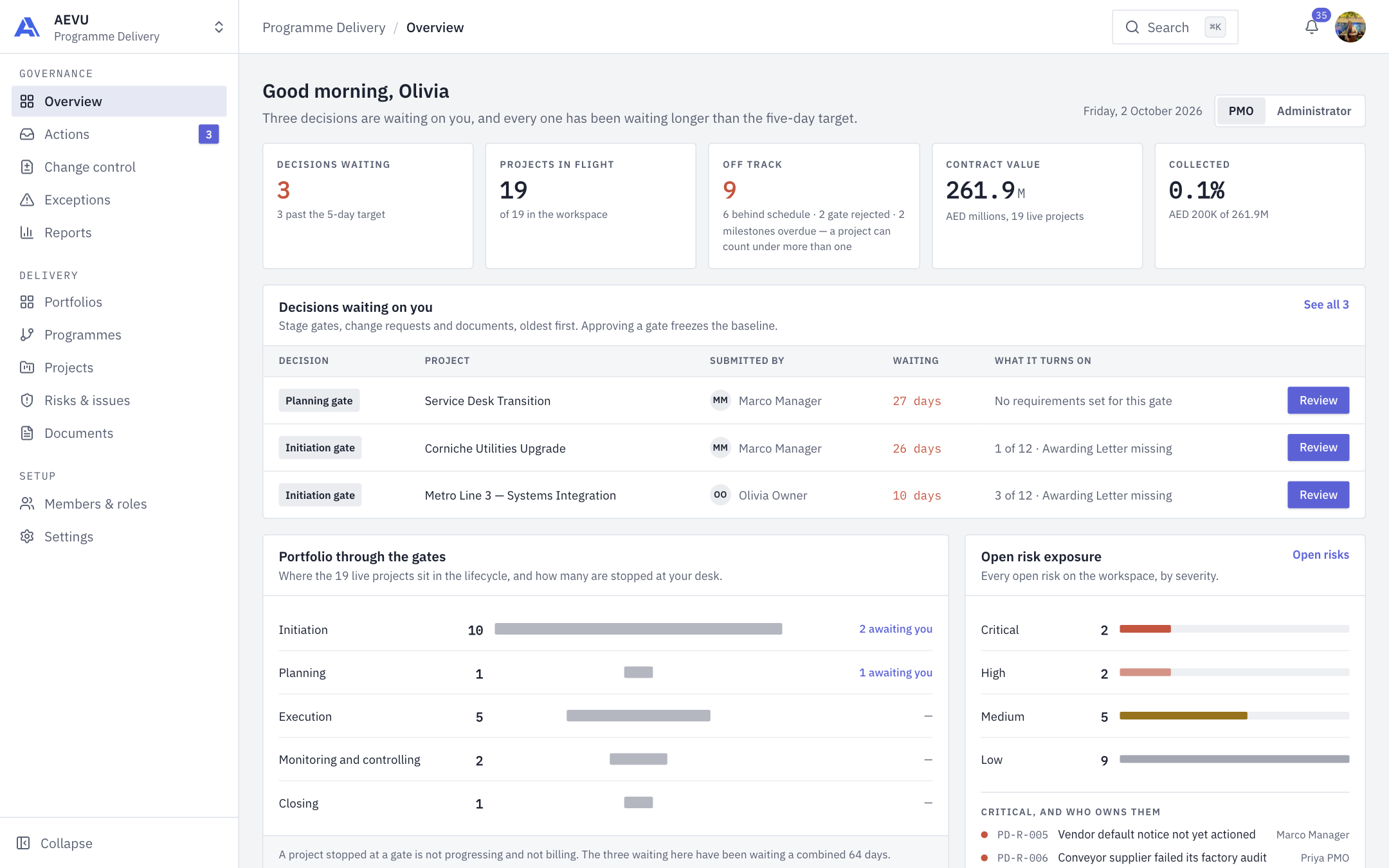
AEVU is a portfolio management system that puts governance first: it shows you what needs a decision, what is late and what is at risk across every project you are allowed to see.
Who it is for
| If you are… | AEVU helps you… |
|---|---|
| A project manager | Plan milestones, keep registers (risks, issues, challenges, stakeholders), raise changes and submit each stage for approval. |
| In the PMO | Approve or reject stage gates, decide change requests and watch exceptions across the workspace. |
| In finance | Record client and vendor payments, track invoices and see project money. |
| An administrator or owner | Manage members, roles, connections, reference data and billing. |
See Roles at a glance for what each role sees.
What is in the app
The left-hand rail groups the modules in three sections.
- Governance — Overview, Actions (approvals), Change control, Exceptions and Reports.
- Delivery — Portfolios, Programmes, Projects, Risks & issues and Documents.
- Setup — Members & roles and Settings.
Across the top you also get Search, notifications and Ari, the built-in assistant.
INFO
Which items appear on your rail depends on your role and permissions. If you cannot see a module, ask your administrator. See Permissions.
How work flows
- A project moves through five stages: Initiation, Planning, Execution, Monitoring & Controlling and Closing.
- At the end of each stage the project manager submits it for approval.
- The PMO approves or rejects the gate. Each stage can have requirements (for example required documents) that must be met before it can be submitted.
- Scope, schedule or cost changes go through change control.